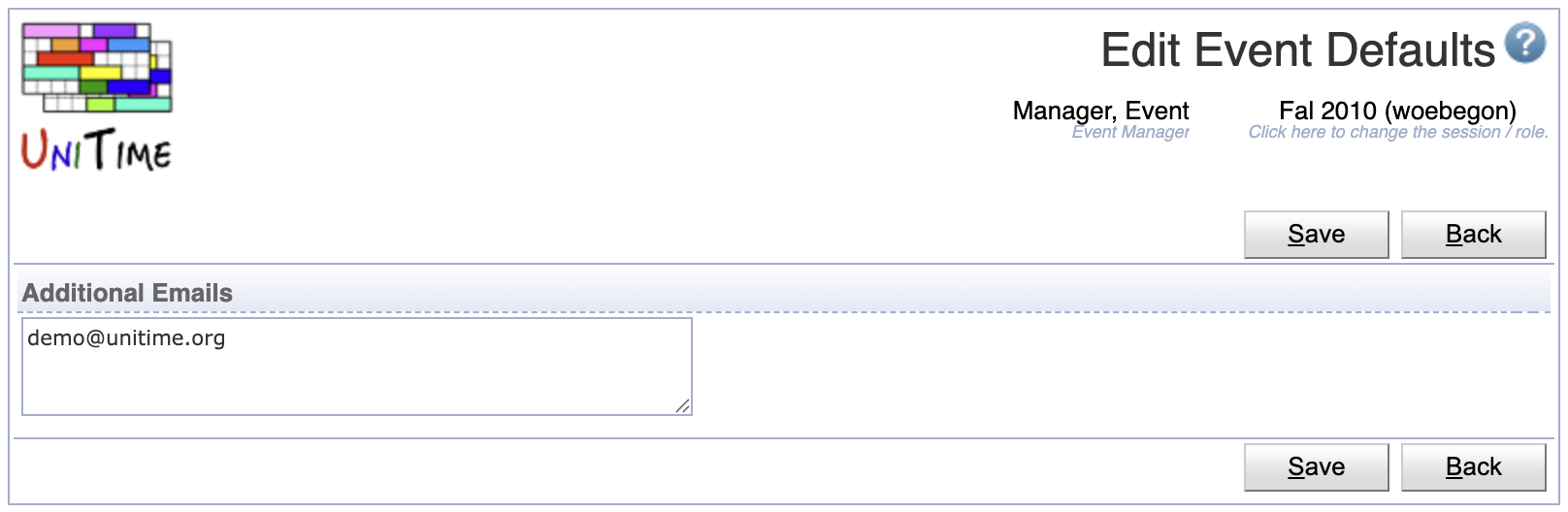
The Event Defaults page provides an ability to configure the default setting for the Additional Emails field when creating an event. When defined, the Add Event page will have the Additional Emails filed pre-populated with the given email(s).
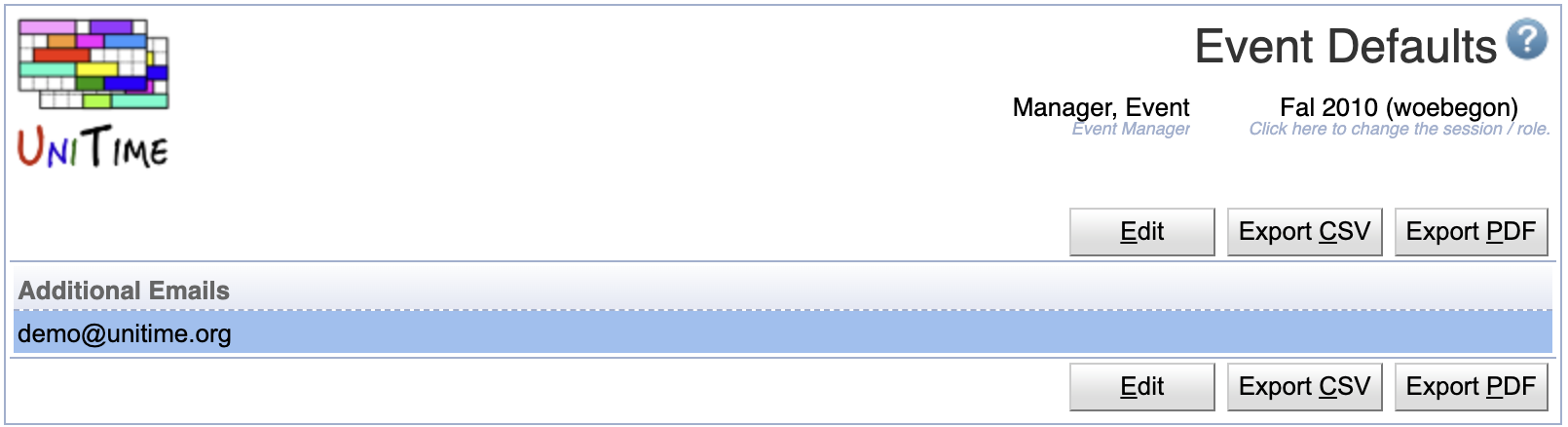
Additional event management related fields may be added in the future.
For administrators, the page allows to change the defaults for all other event managers.
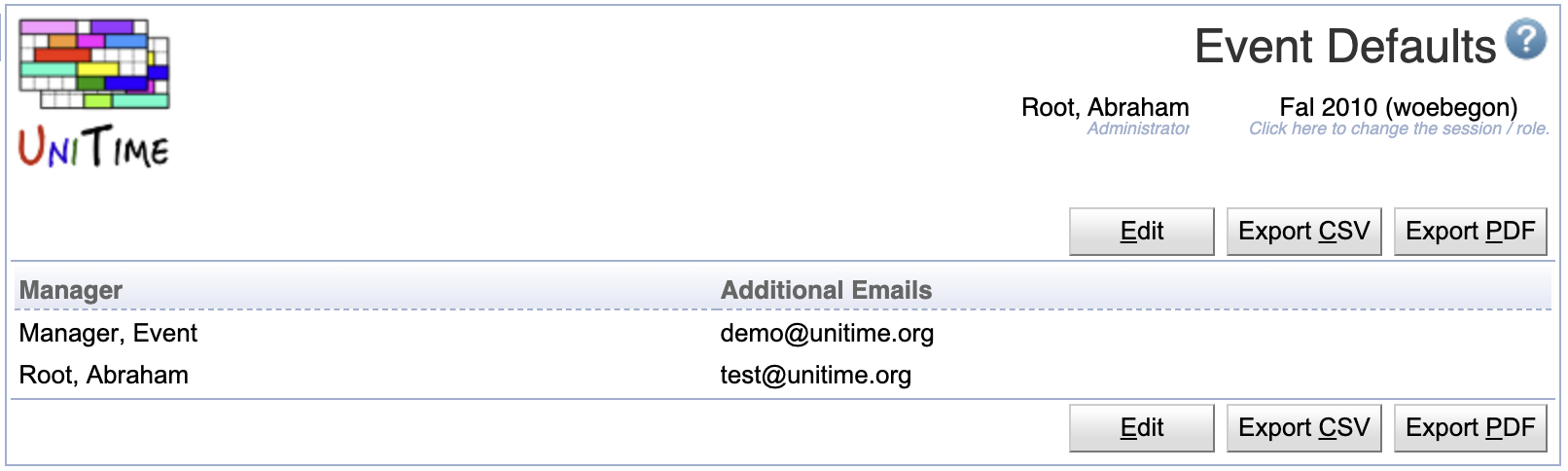
The table can be sorted by any of its columns, just by clicking on the column header and the sorting option that opens.
Click a particular line to make changes or to the appropriate manager.
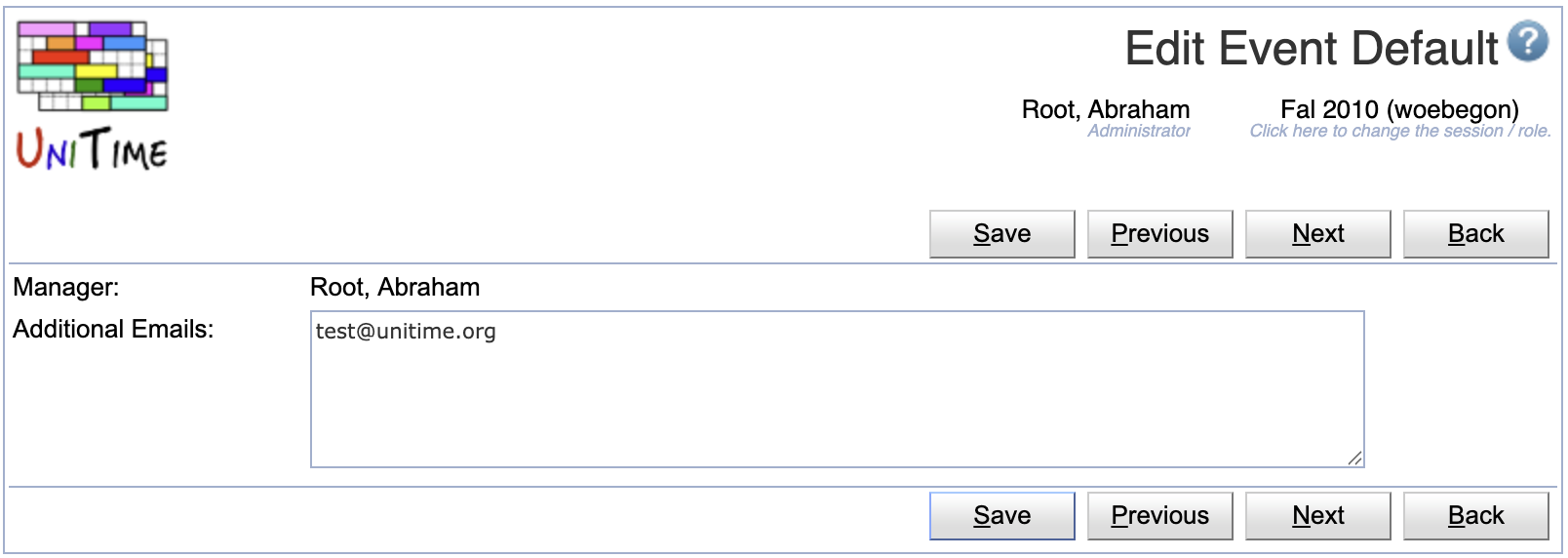
Click Edit to edit the event details
| Back to UniTime Online Documentation | © UniTime 2026 | Content available under GNU Free Documentation License 1.3 |
 UniTime Help