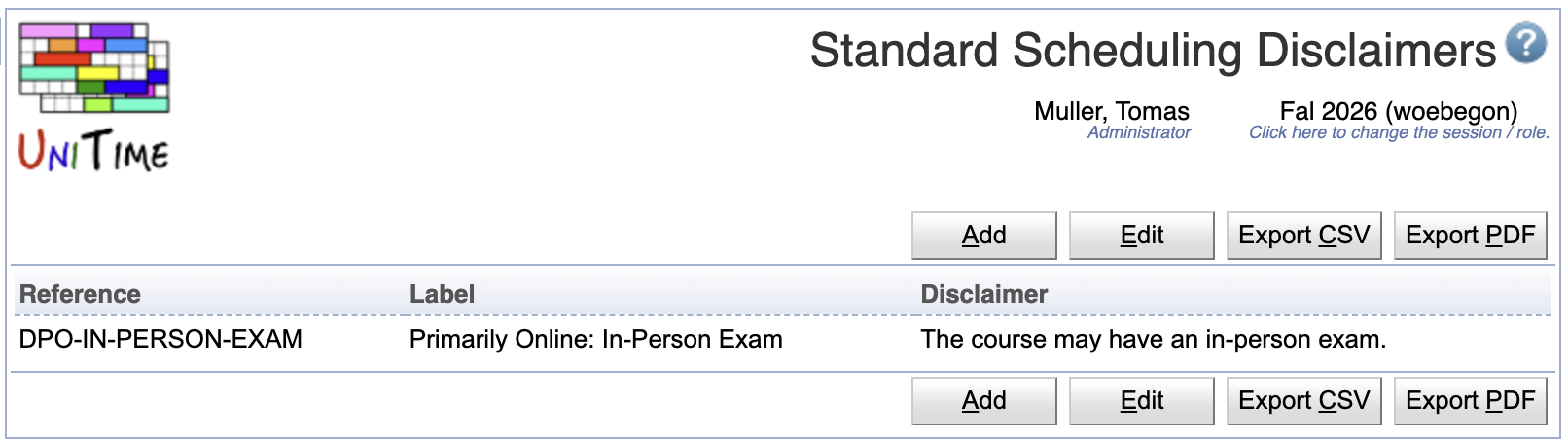
The Standard Scheduling Disclaimers page can be used to define standard student scheduling disclaimers that can be reused on Instructional Offering Configuration and Multiple Class Setup pages for the Student Scheduling Disclaimer.
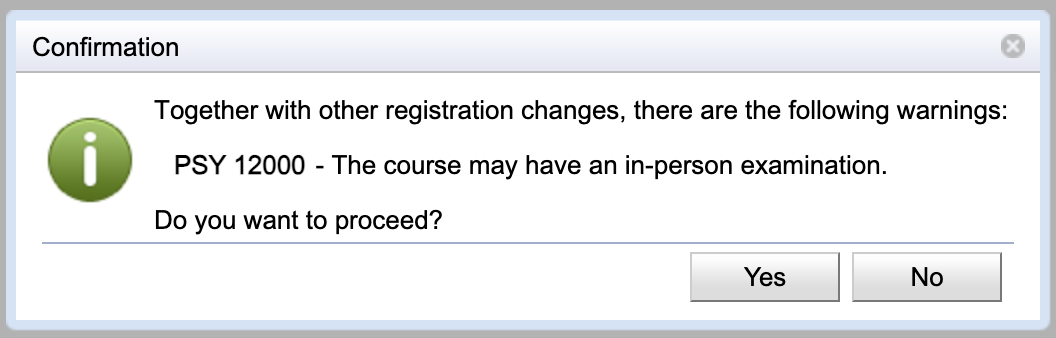
When an instructional offering configuration has a disclaimer, it will show to the students when they request the course on Student Course Requests or try to enroll in the configuration using the Student Scheduling Assistant page. The student must acknowladge the disclaimer in order to proceed.
Each standard scheduling disclaimer has a reference, a label, and a text that is to be used. Reference and label must be unique.
When one or more standard scheduling disclaimers are defined, the Instructional Offering Configuration or Multiple Class Setup page will show a selection of available disclaimers:
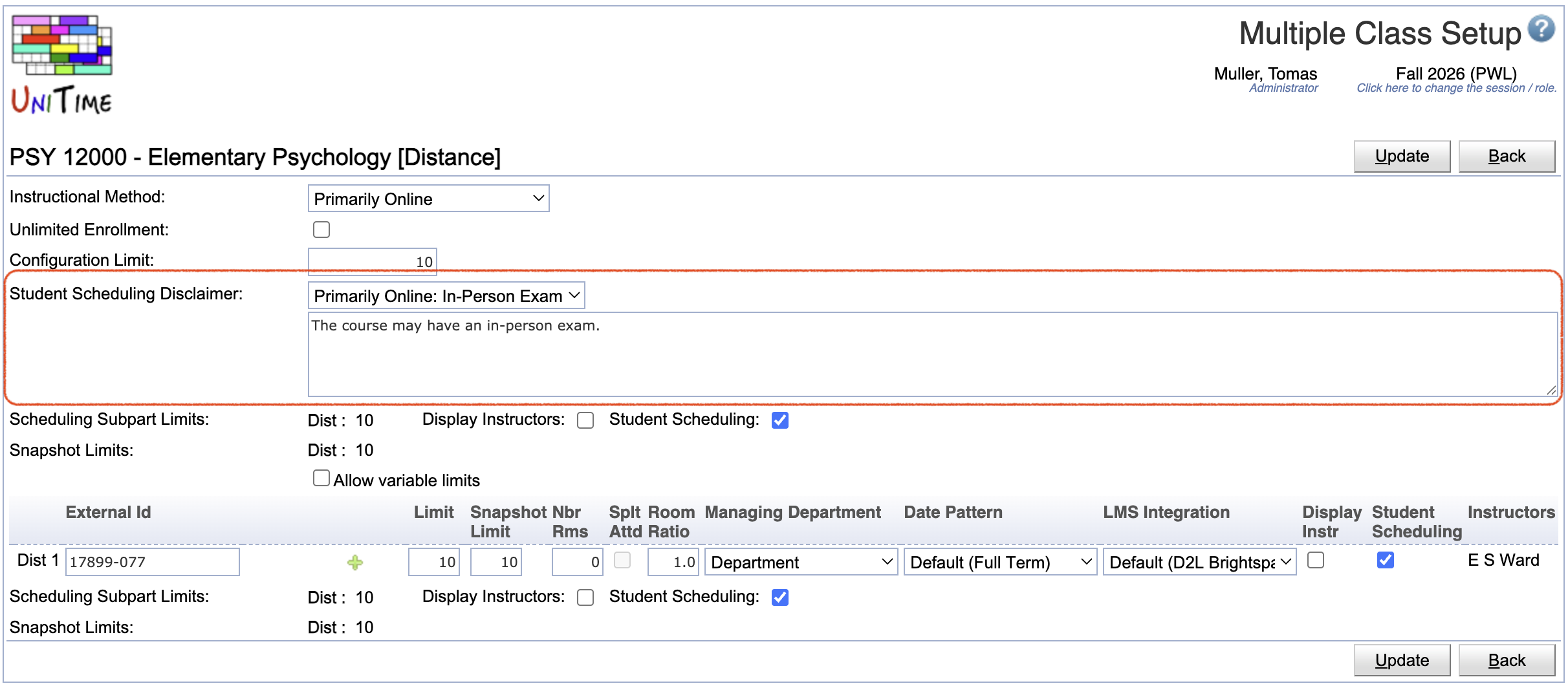
One of the standard disclaimers can be selected, or the “Other Disclaimers” option can be selected, in which case the user can edit the disclaimer directly on the configuration. When no standard disclaimers exist, only the text area shows.
For example, in the Student Scheduling Assistant, the disclaimer appears when the Submit Schedule button is clicked, and the student is either enrolling in a new course with the disclaimer (the disclaimer is on the configuration of the classes that the student wants to add) or when they are doing a swap from a different configuration to the one that has a disclaimer.
Standard scheduling disclaimers are academic session independent. The Standard Scheduling Disclaimers page can be accessed with the Scheduling Disclaimers permission, changes are permitted with the Scheduling Disclaimer Edit permission. Only timetable managers with Instr Offering Config Edit Disclaimer permission can set the disclaimer on Instructional Offering Configuration and Multiple Class Setup pages.
The table can be sorted by any of its columns, just by clicking on the column header and the sorting option that opens.
Click Add to add a new standard scheduling disclaimer
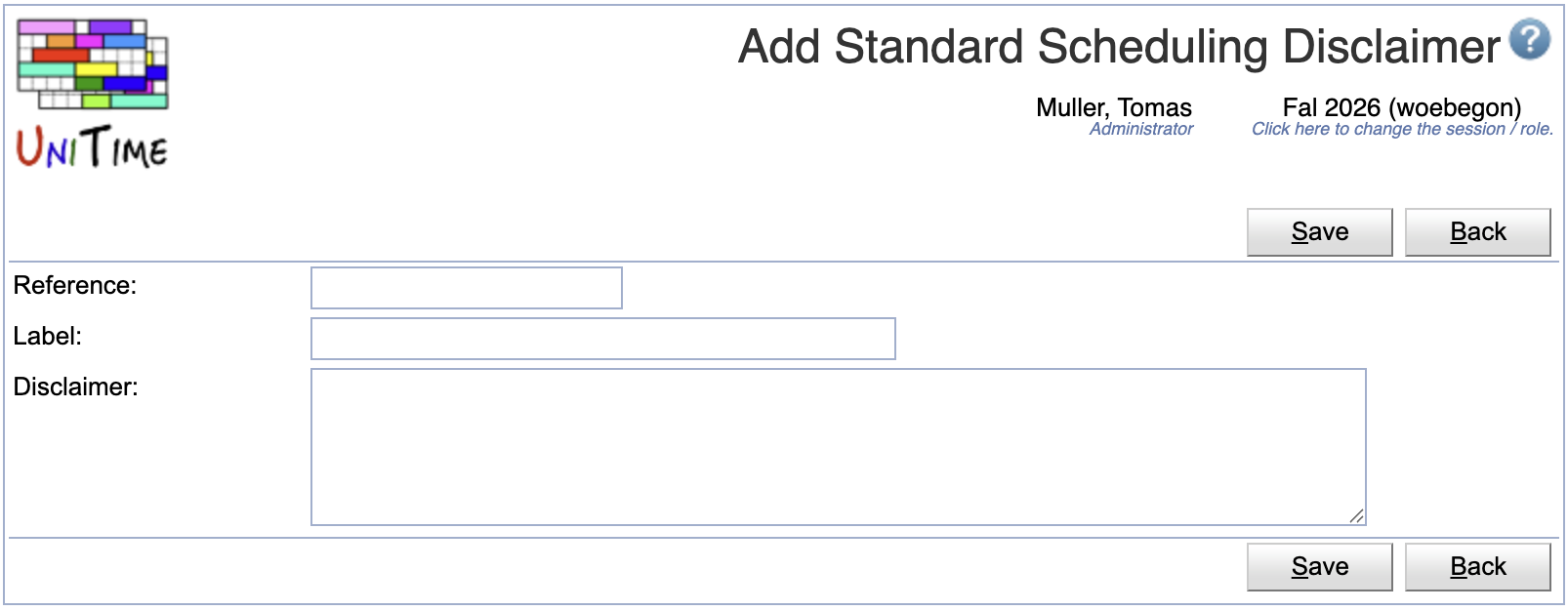
Click a particular standard scheduling disclaimer to make changes or to delete the standard scheduling disclaimer
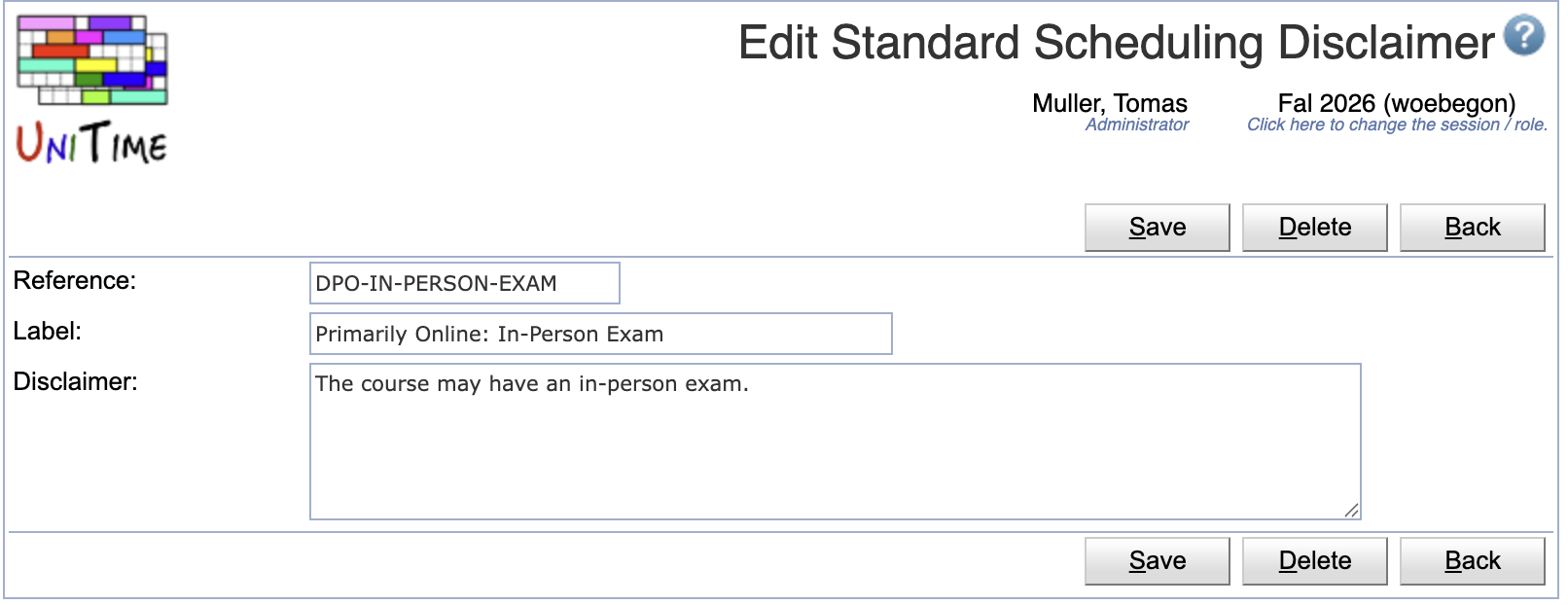
Click Edit to edit all standard scheduling disclaimers
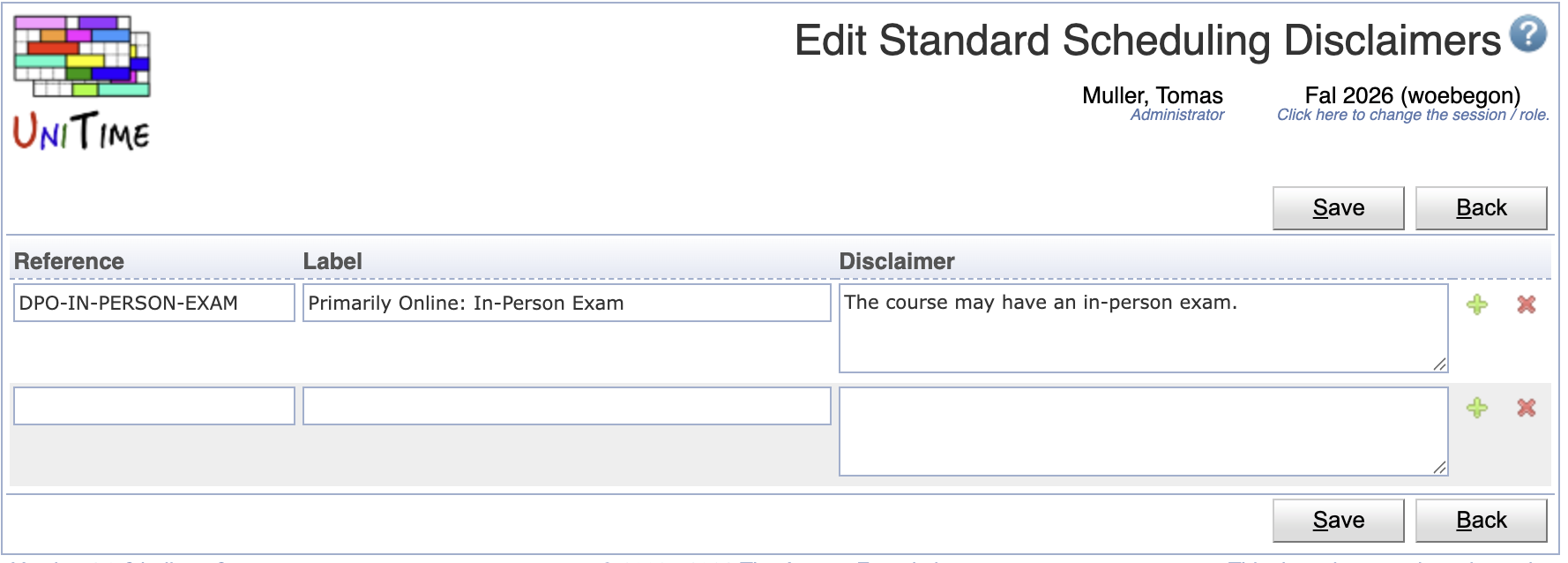
 icon to add a new line and
  to delete a line
Click the Export CSV or Export PDF to export the list of standard scheduling disclaimers to a CSV or PDF document respectively
| Back to UniTime Online Documentation | © UniTime 2026 | Content available under GNU Free Documentation License 1.3 |
 UniTime Help